
How to Download file from EarnDrop (up.revyvpn.co)
Easy as 1234!
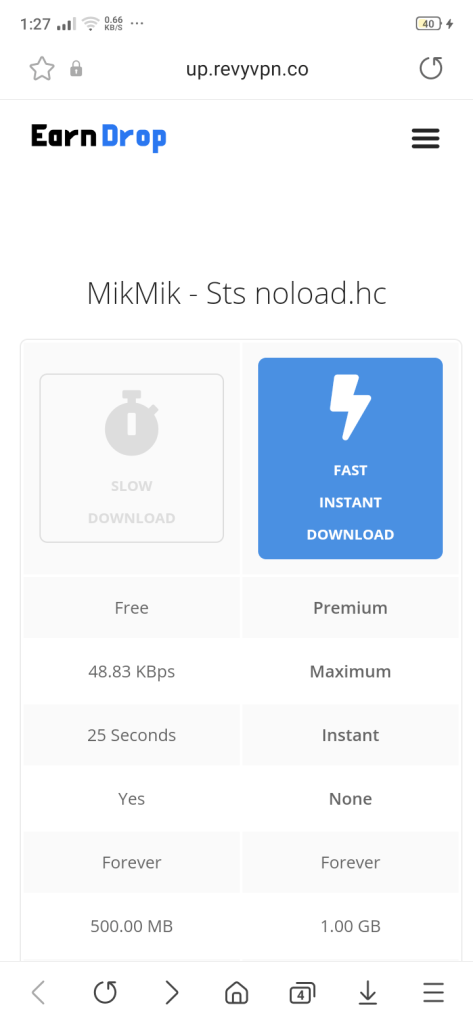
1 Step.
After clicking Link, choose either Slow Download (Free) or Fast Instant Download (Paid) and click
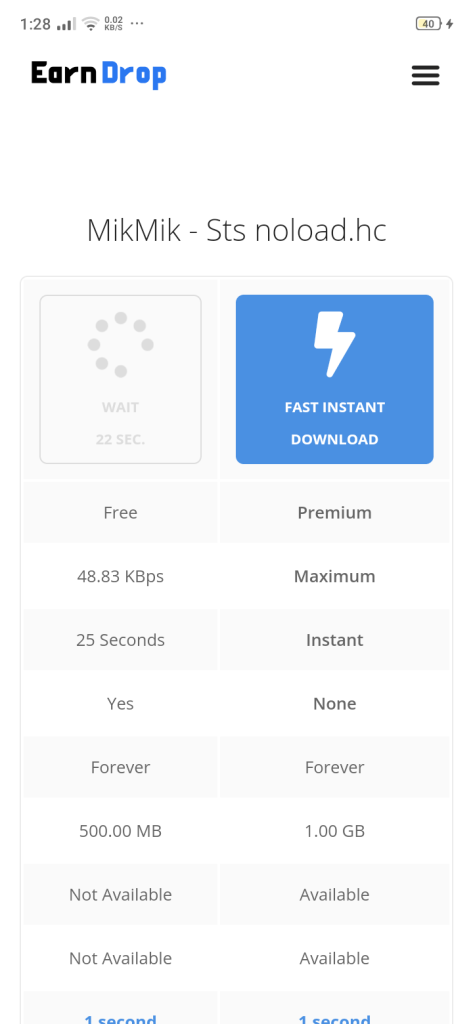
2 Step.
If you choose the Free download it will count down and please wait until it end counting
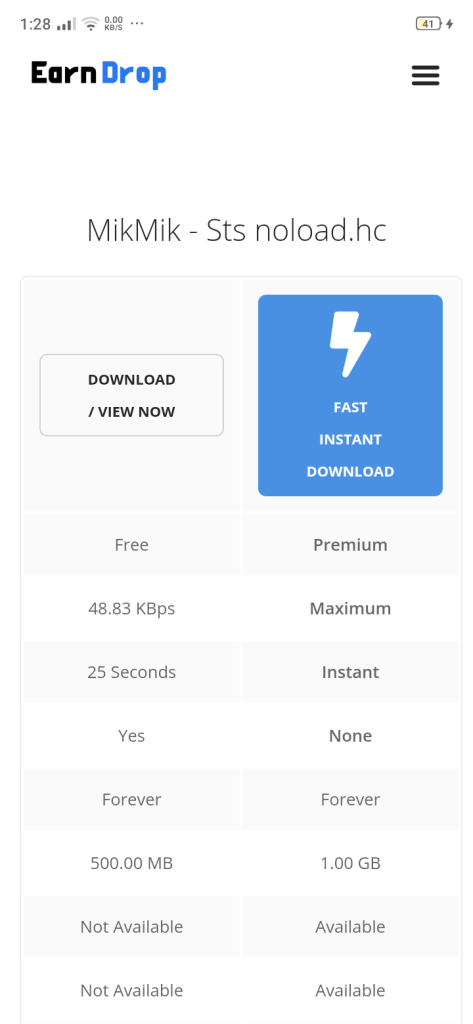
3 Step.
Click “Download/View Now”
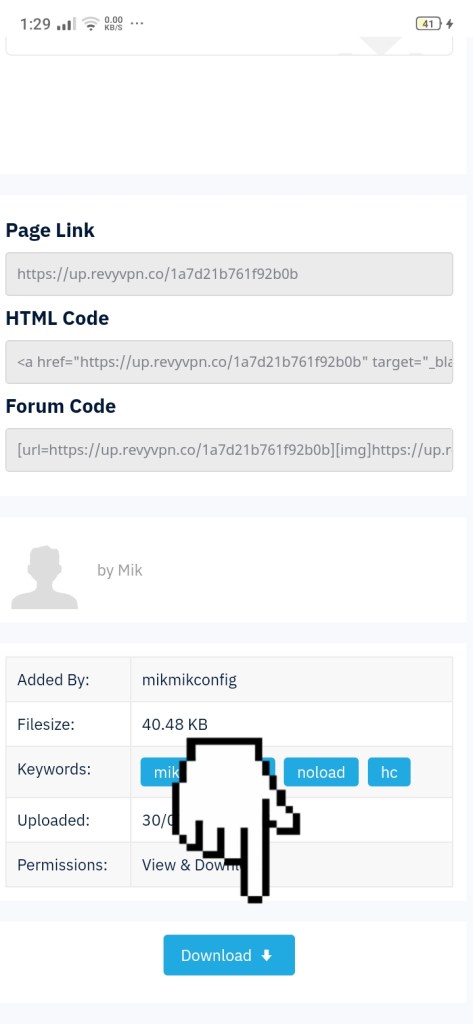
4 Step.
After clicking the button, click the Download + (name of file) to start the downloading session or just scroll down and proceed to download.
 MikMik Configs